Choose local play before making an online room
When the other player is sitting beside you, passing one phone can be the easiest way to play. Choose the same-device or local multiplayer option and check that both seats are controlled by people. This differs from AI practice and online rooms.
The games open in a browser without installation. Read the controls together if the screen is small, keep the game tab open, and pass the device when the turn is over.
Mini Golf: take turns judging power and angle
Drag and release to control your shot. Give each player a warm-up so both understand how distance and direction work. Comparing total strokes across three holes gives a short session a clear finish.
Check the active player indicator before touching the ball. Setting up an easy next shot can be more reliable than trying to make every shot spectacular.
Table Curling: position matters more than distance
Choose the mode for people sharing a device, then use the first round to learn how far a stone slides. Aim and strength work together.
A shot that moves an opponent’s stone has a different purpose from one that claims a useful position. Think about which stone should remain and which route you want to block. Follow the game’s end-of-round scoring display for the result.
Alkkagi: decide between a direct hit and a glancing blow
Drag and release one of your stones to knock an opponent’s stone off the board. Select local play for a short match on one device. A stone near the edge may look tempting, but your own stone can leave the board too.
For two beginners, allow advice during the first match. In the next one, make your own decisions and compare direct and angled hits. Check the direction before increasing power.
Small rules for an enjoyable match
- Confirm the local mode and the number of players.
- Give each person a practice turn.
- Keep hands off the screen during the other player’s turn.
- Agree on one match or three holes before starting.
- Use the in-game pause or menu when taking a break.
Playing from different places
If you cannot share a device, look for the game’s invitation or online mode. Player counts and account requirements can differ from local play. Follow the instructions on that screen rather than assuming every mode works the same way.
Play it yourself
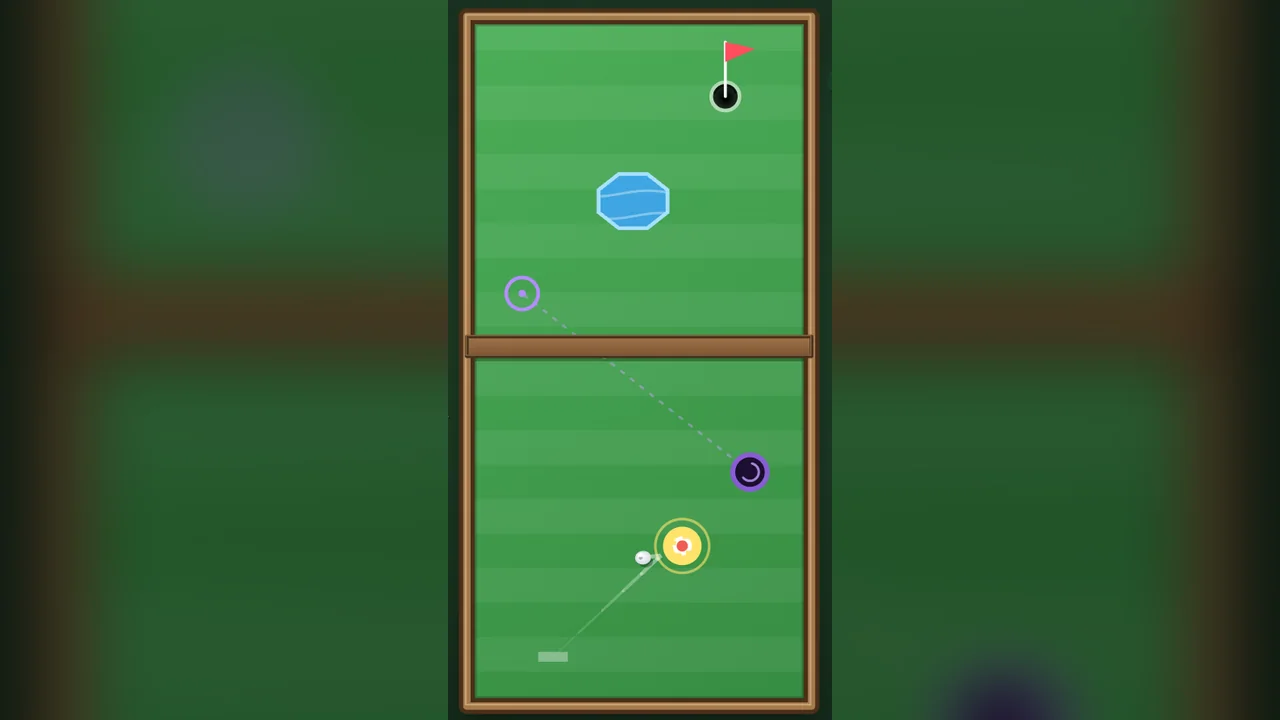
Mini Golf
Quick 3 holes, no account needed. Challenge a friend on the same course.
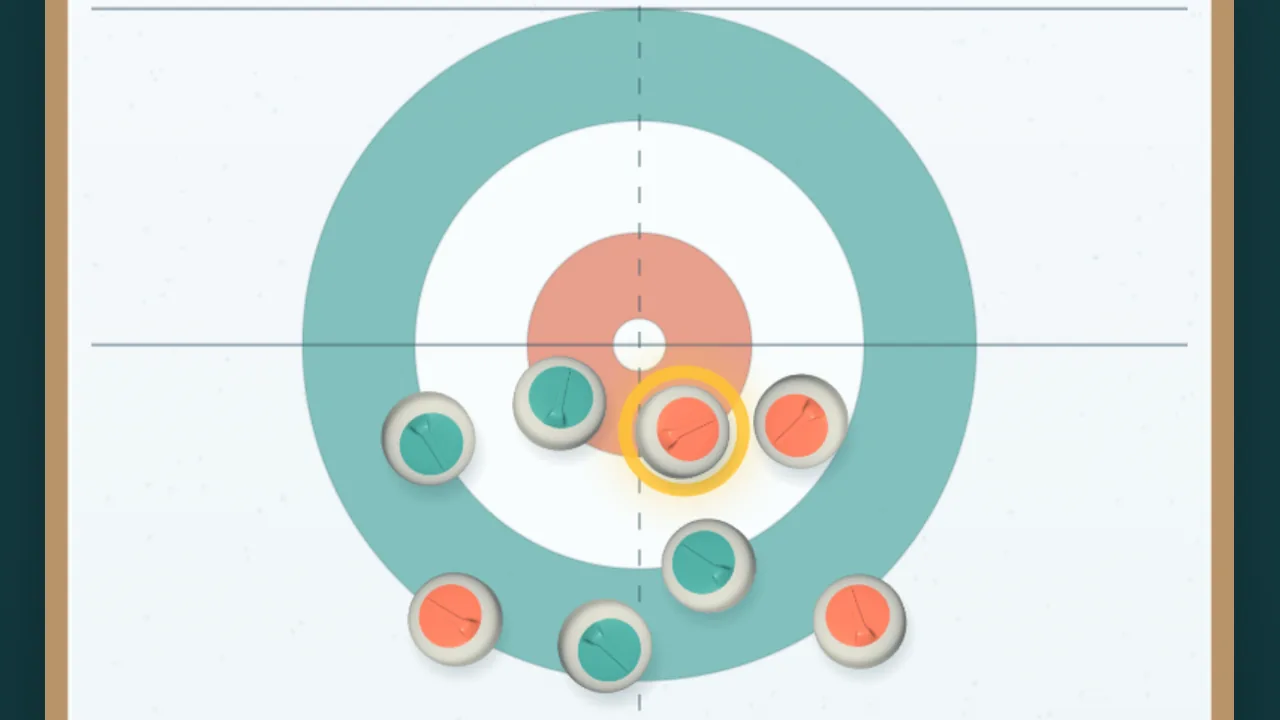
Table Curling
Pull back and release for a quick game of table curling. Play the computer, share one device, or invite friends by link or code for 1v1, 2v2 and 3v3 over two ends.
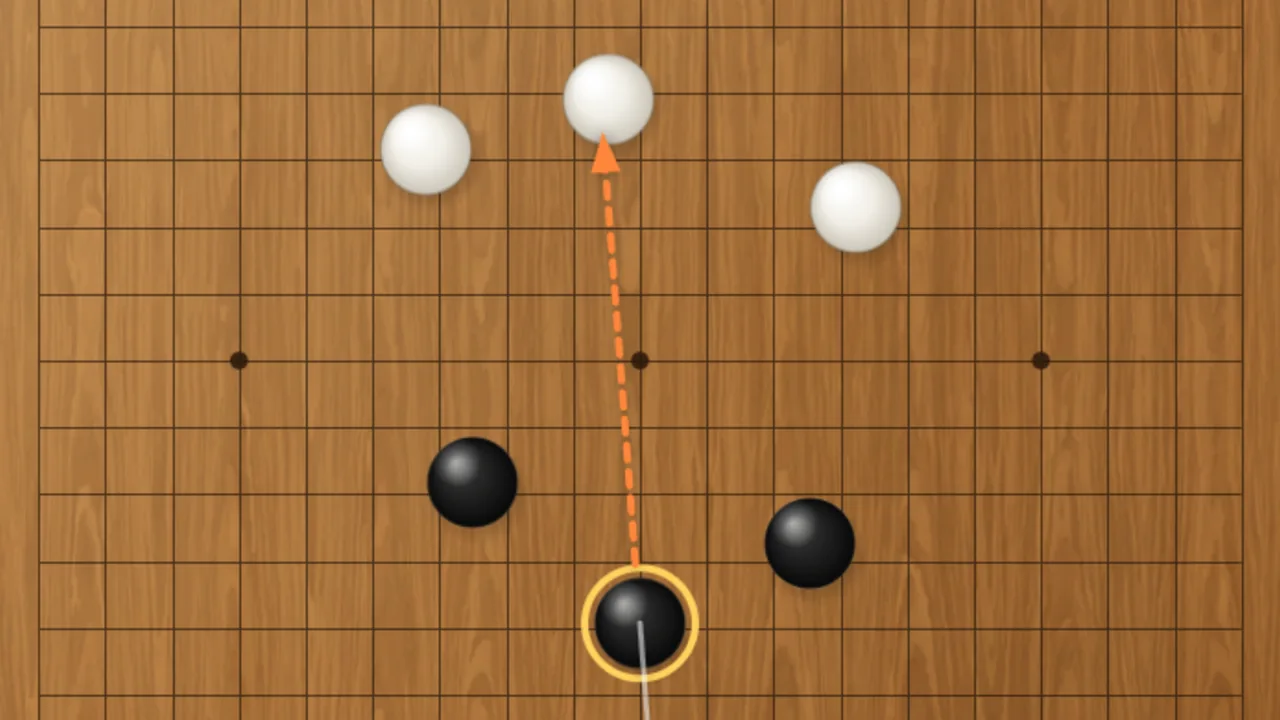
Alkkagi
Flick Go stones off a wooden board. Play the computer, share one device, or invite friends by link or 4-character code for 1v1 and 2v2.